

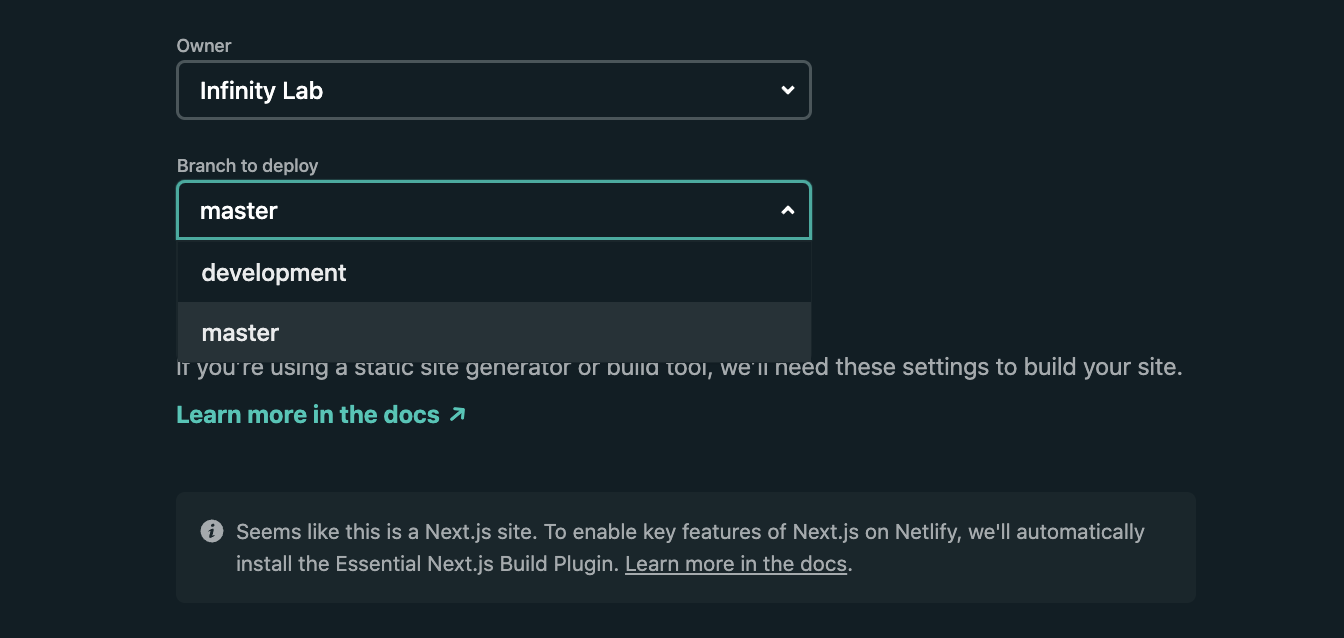
By seperating your source code into two different branches: master and development and then use Netlify to create two deployments: staging and production from each branches. We can easily have development version and production version of our web application up and running in few clicks.
Continous Development and Deployment to Staging Enviroment
Create new development branch from master branch.
$ git branch development
$ git checkout development
We can then make code changes and update locally. In the end of the working day, we can then deploy into our staging enviroment to get feedback from users.
$ git push origin development
Quick Code Merging and Deployment to Production Enviroment
After getting feedbacks from users, customers, testing the staging enviroments in different devices and network condition, we are ready to deploy to live production. Merge and deploy is super simple.
$ git checkout master
$ git merge development
$ git push origin master
Netlify makes it frictionless and effortless by deploying a new version after each code push.
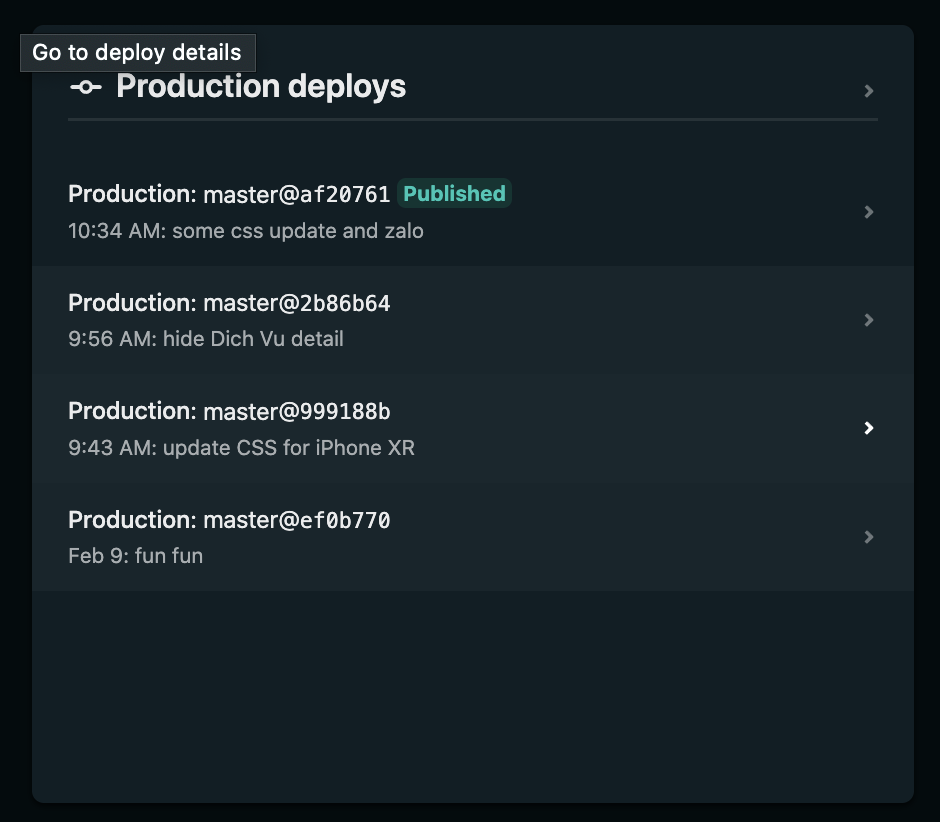
Quickly Fix Accidental Deployment
Mistakes and bugs are common in development. Pushing new codes with bugs into an existing production website could cause user interuption. Howerver, with Netlify we can reverse back to previous deployment in a single click with no downtime. Quite simple and magical.
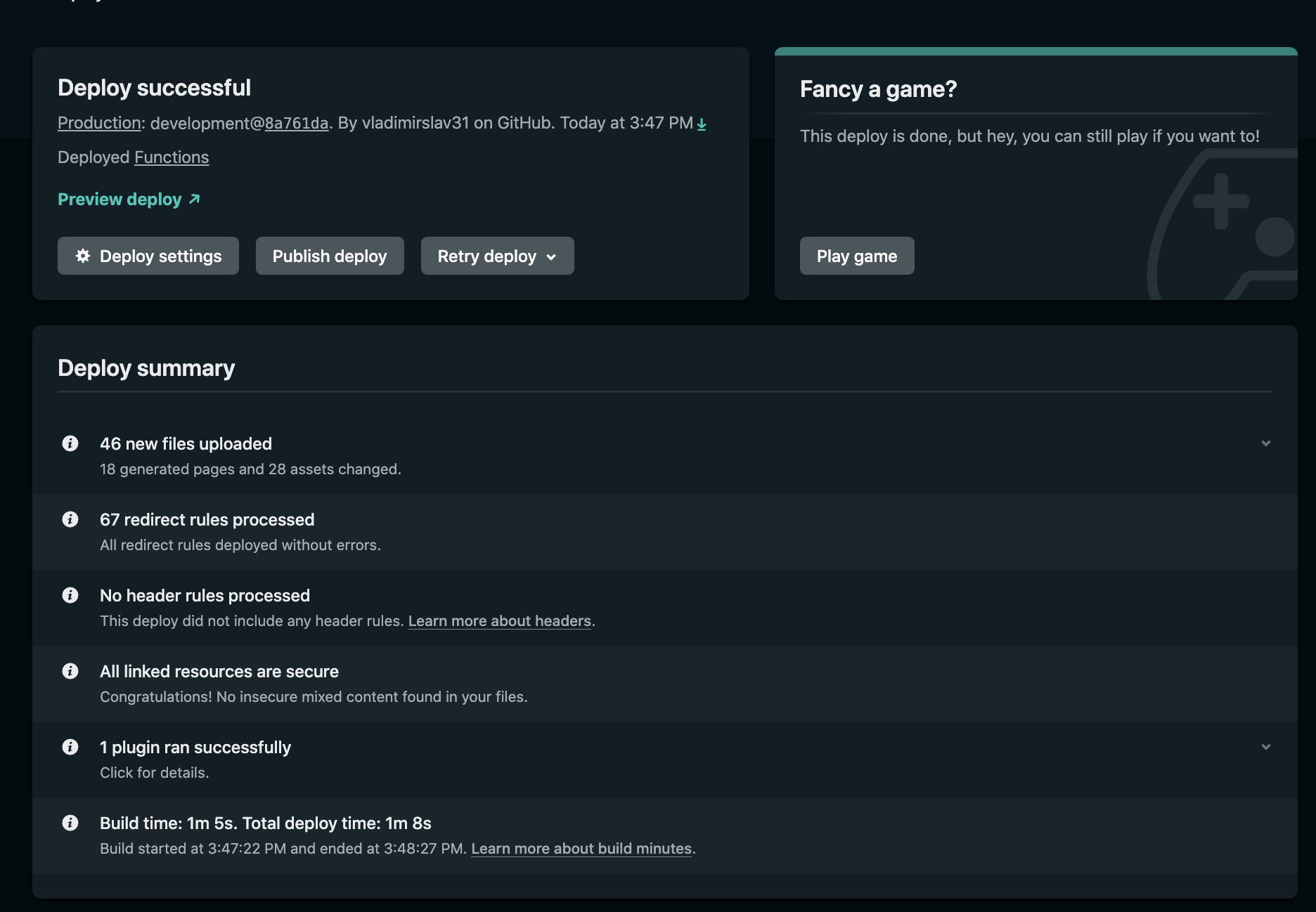
We also can just reverse our repo back to last healthy deployment using git and Netlify will automatic update the deployment with new version of the sourecode after code push to remote.
$ git log // View past commits
$ git reset --hard HEAD~1 // Reverse to last commit
$ git reset --hard <sha1-commit-id> // Reverse to a specific commit
$ git push origin development --force // Push local change to remote repo
References